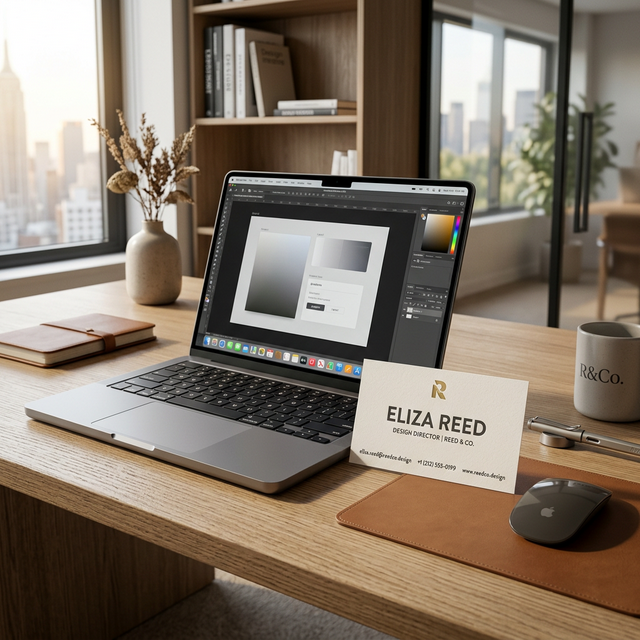
Many professionals already have a beautifully designed physical business card or a brand style they love. Our app allows you to preserve that branding while adding the modern functionality of a QR code. Here is how you can create a "baked" QR name card using your existing design.
The Importance of High-Quality Images
When you upload your own design to our app, it serves as the canvas for your digital card. It is crucial to use a high-resolution image (at least 300 DPI for best results). A blurry or pixelated background will make your digital card look unprofessional when viewed on high-definition smartphone screens.
Include All Contact Information in Your Design
Since the QR code's primary job is to provide the technical transfer of data, your image design should still display your name, title, and contact details visually. Think of the QR code as the "Save to Contacts" button that sits on top of your existing beautiful design.
How the "Baking" Process Works
Our unique generator simplifies the process. Once you upload your design in Step 2, our system will:
- Generate a technical QR code based on the information you supplied in the form.
- Place that QR code onto your design.
- Allow you to move and scale the QR code to fit perfectly within your layout.
- "Bake" or flatten the QR code directly into the image so it becomes a single, high-quality digital card file.
By using this method, you get the best of both worlds: your custom, professional branding and our seamless contact-sharing technology.